Leap Motion Review

As we develop installations and kiosk applications, every new technology, such as gesture control in this case, is very interesting to us and must be compared and evaluated for actual use against other gadgets like the Kinect. Especially for installations in public spaces, gesture control is very useful, as a touchscreen always needs to be within the user's reach and also poses a hygiene hurdle for many users.
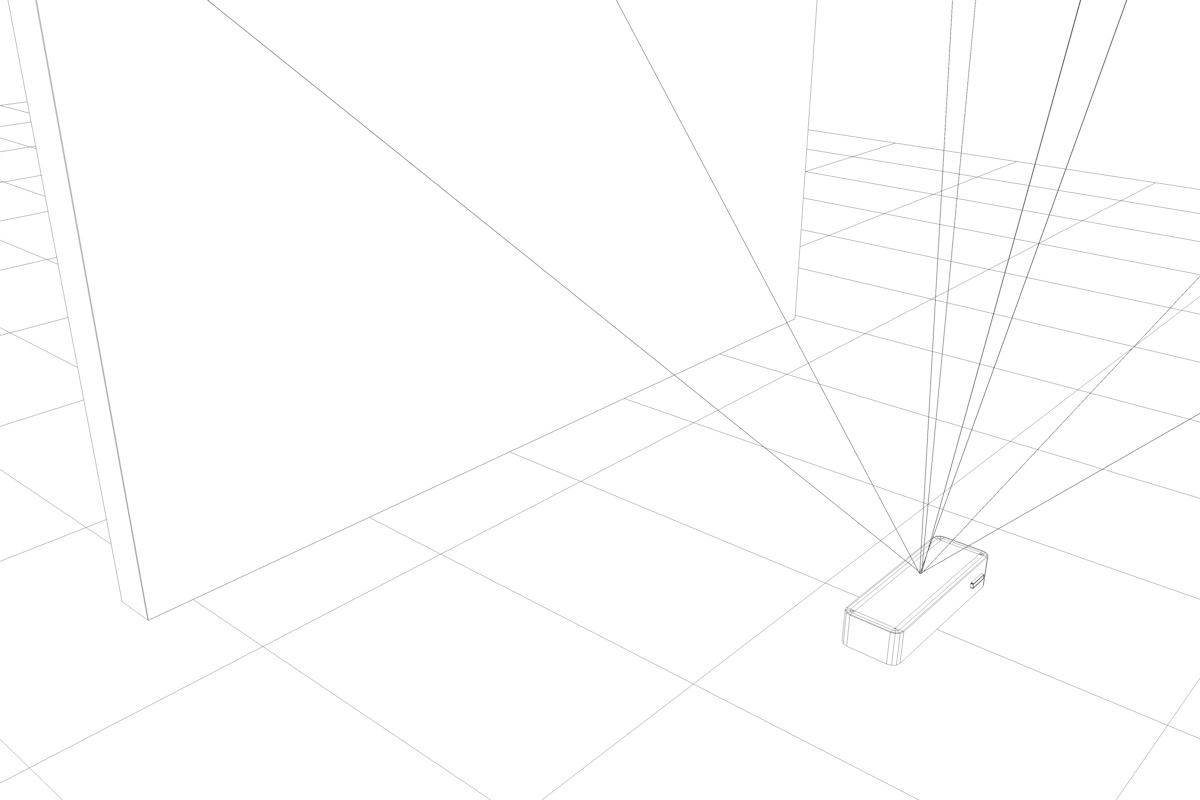
Basically, one can initially say that the Leap Motion controller is quite affordable at a price of €99. After a smooth and uncomplicated installation, it is ready to use, and you can test the controller with the supplied software. Here, you immediately notice that the ideal positioning of the controller is somewhat peculiar and must be considered during use. The controller must be positioned in front of the display or computer so that hands or fingers can be captured above the infrared emitter. This setup alone can be reason enough to decide against the controller, as you may not be able to meet this initial situation for the planned use case.
Response Time & Behavior
The response time of the controller was quite good in our tests. However, the accuracy of the controller is not as granular as we would have liked. Two fingers are quickly recognized as just one finger, making fine motor movements not really detectable. Overlapping hands or fingers are also not correctly recognized, forcing you into a rather unnatural hand position quite quickly. The included applications are quite playful, and here too, you quickly notice the limitations of the controller. Applications where coarser inputs such as "hand open" or "closed" or the vertical position of the palms are used work quite well and are immediately enjoyable. Applications based on fine motor skills, such as grasping objects or precise editing, however, quickly lead to frustration.
Leap Motion & Unity3D
We also tested the controller in conjunction with Unity3D. There are several examples and a corresponding library to query the desired gestures, etc. The SDK can be downloaded directly from the Unity Asset Store and imported into your own project. It is important to note that the SDK only works with Unity3D from version 4.3.2 https://www.assetstore.unity3d.com/en/#!/content/15677.
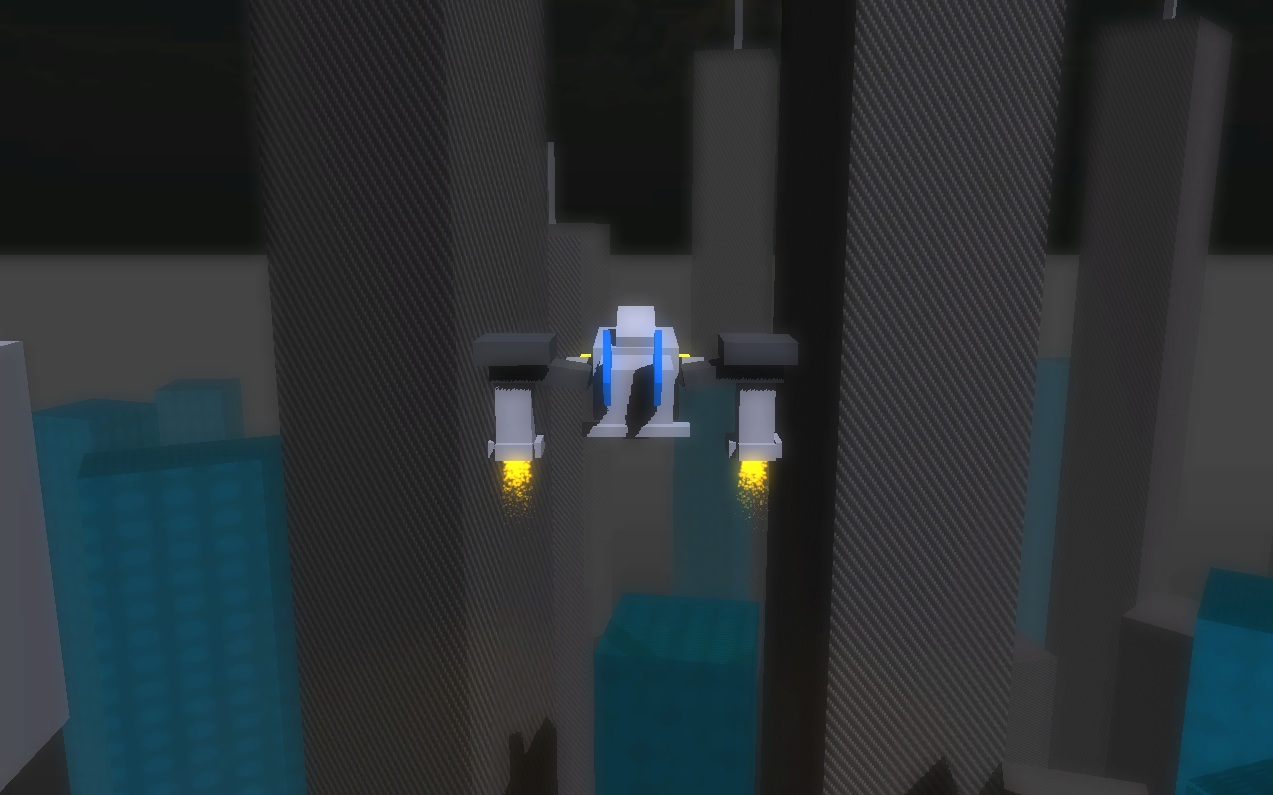
One of the examples from the library shows in which use case the controller works quite well. Here, you control a spaceship over a cityscape. The control feels very good right away, as you navigate the aircraft over the landscape using the vertical position of the hands and their angle. https://bitbucket.org/pohung/leapflying/
Conclusion:
For us, the controller is not yet really usable as an input control in the production area. The positioning of the controller is very exotic, and for applications based on fine motor inputs, the controller is still too imprecise. Both the setup and the application must already fit the conditions of the Leap very precisely. Nevertheless, it is a useful tool for creating prototypes for gesture-controlled applications or verifying corresponding use cases. One can easily imagine that once the next versions (e.g., the new Kinect) are more stable and accurate, the use of motion control will offer great advantages for some use cases and sensibly replace input on the touchscreen. The application could, for example, adaptively learn user-familiar movements as input, allowing the user to define how the movement for certain inputs should look.