TiltBrush - Experimental with Audio Reactor & 360° Video

Our Fernanda created a Virtual Reality experience for us using TiltBrush, which we shared to celebrate our 10,000 fans on Facebook. Learn more about the process and the export here - it's not for the faint-hearted...
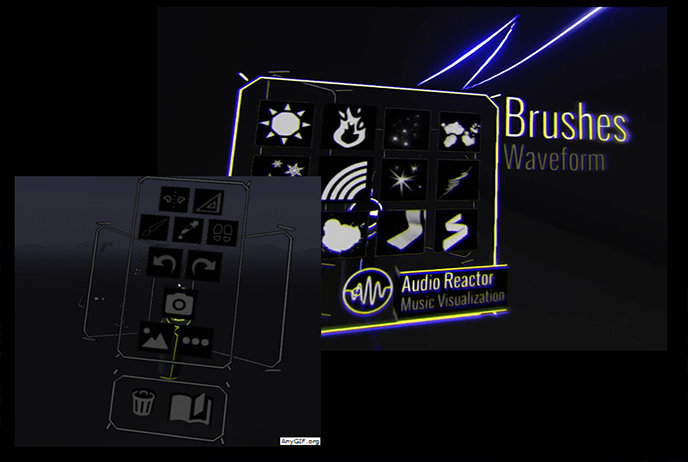
Brushes & Audio
- Select music and start TiltBrush
- Turn on the Audio Reactor with the brushes and start painting. The results are visible in real-time. (colors/animations)
- At the end, the video can be recorded.
360° Video Export
With a high-performance computer, the export takes about 1 - 3 minutes per frame. A 30-second video renders for 8 or 9 hours. (so really not for the faint-hearted)
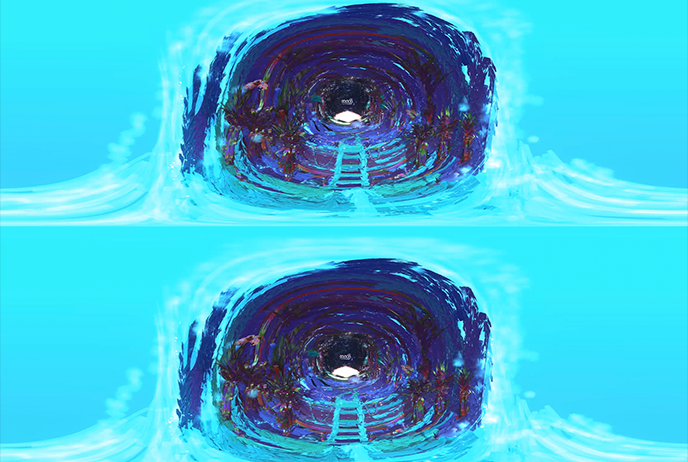
Setting Up the Camera
- The rendering of the video is done by moving the camera.
- Set up the camera for both the start and end of the video.
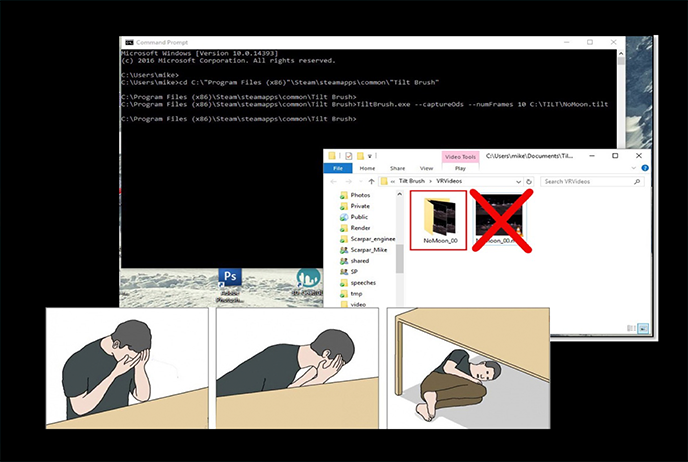
Command Line Export
- Run. The Cmd.exe
- Use the following command: cd <path from tilt brush>
TiltBrush.exe --captureOds --numFrames 900 Name-of-the-file_1_start.tilt Name-of-the-file_1_end.tilt - Press enter. Once the rendering is complete, a folder "VRVideos" will open.
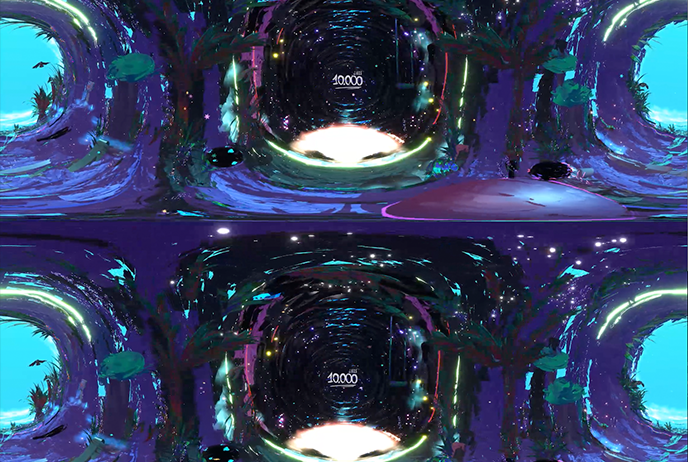
And the result is impressive...
Enjoy watching and recreating!