WebGLGamewithThree.js

Together with the relaunch of the new Demodern website, we implemented a mini WebGL game. On one hand, as a proof-of-concept demonstrating how WebGL enhances the web experience, and on the other hand, because WebGL simply makes our digital hearts beat faster.
For the implementation, we used Three.js R68, a JavaScript library/API for creating WebGL animations/graphics in the browser.
In this article, we provide a brief overview for a simple "Hello Three.js" as well as insights into some of the challenges in implementing our WebGL game.
“Hello Three.js”
THE RENDERER
THE SCENE
THE CAMERA
THE LIGHT
THE OBJECT: BOX
The interim result should now look like this.

If not, don't worry. You can also find the code on GitHub.
Nonetheless, the whole thing looks a bit boring, so let's animate the box.
THE OBJECT: PLANE
THE ANIMATION
Now you should see a green and rotating box, as well as a gray background.
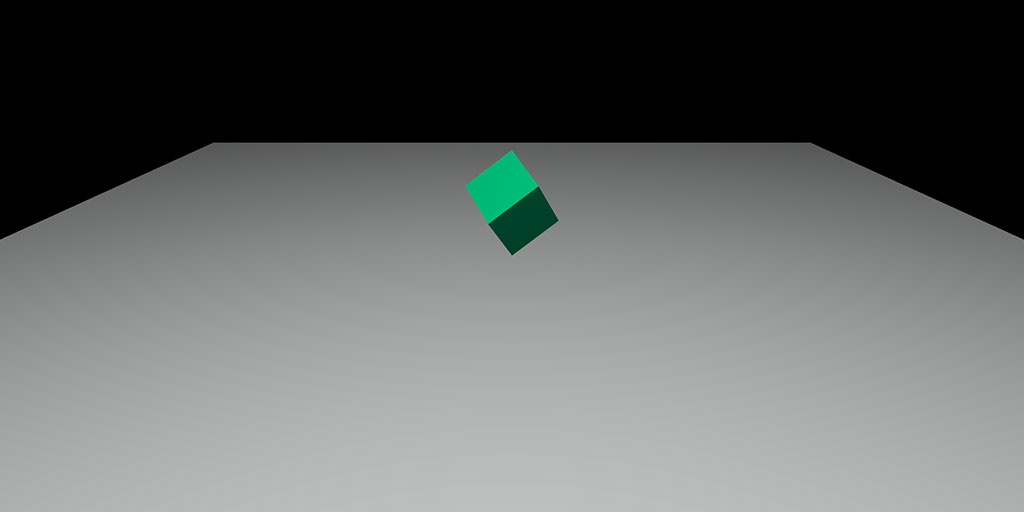
You can also find the code on GitHub.
“Three.js Game Parts”
Ok... all well and good, but how do we get from a green box to a WebGL mini game? So let's break down the "key points".
THE HEIGHTMAP
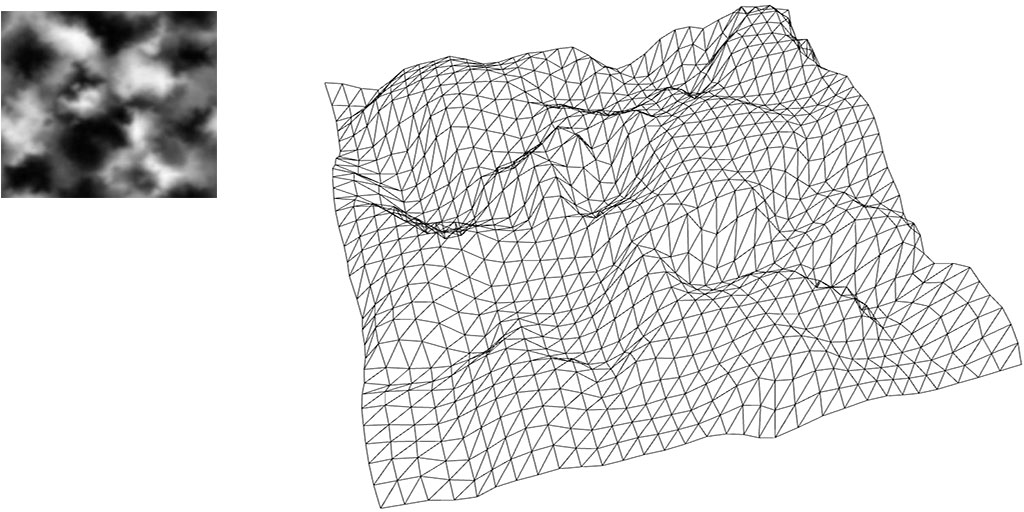
We take a noisemap, a kind of grayscale PNG, and render it into a 2D canvas. Then we go through each pixel of this canvas and convert the pixel data into values useful for us. For example, a gray pixel gets the value 15 and a black one gets the value 25.
After that, we determine the height of the vertices of our used Three.js geometry based on the converted pixel values. This means, for example, that a white pixel represents the lowest point and a black one the highest.
READING IMAGE DATA
CREATING TERRAIN
THE COLLISION DETECTION
For performance reasons, we wanted to avoid using a physics engine. So we used the THREE.Raycaster class, which is bundled with Three.js.
CONCLUSION
For our WebGL game, we did quite well with Three.js to achieve a result in a short time. Three.js is still relatively new, and there is still much room for improvement. But three.js continues to evolve, and other WebGL platforms like away3D and the UnityV5 WebGL export show that we are just at the beginning. We definitely have a craving for more.
Links: